 Hermia
Receive.
Connected or forwarded email and approved messaging or enquiry sources
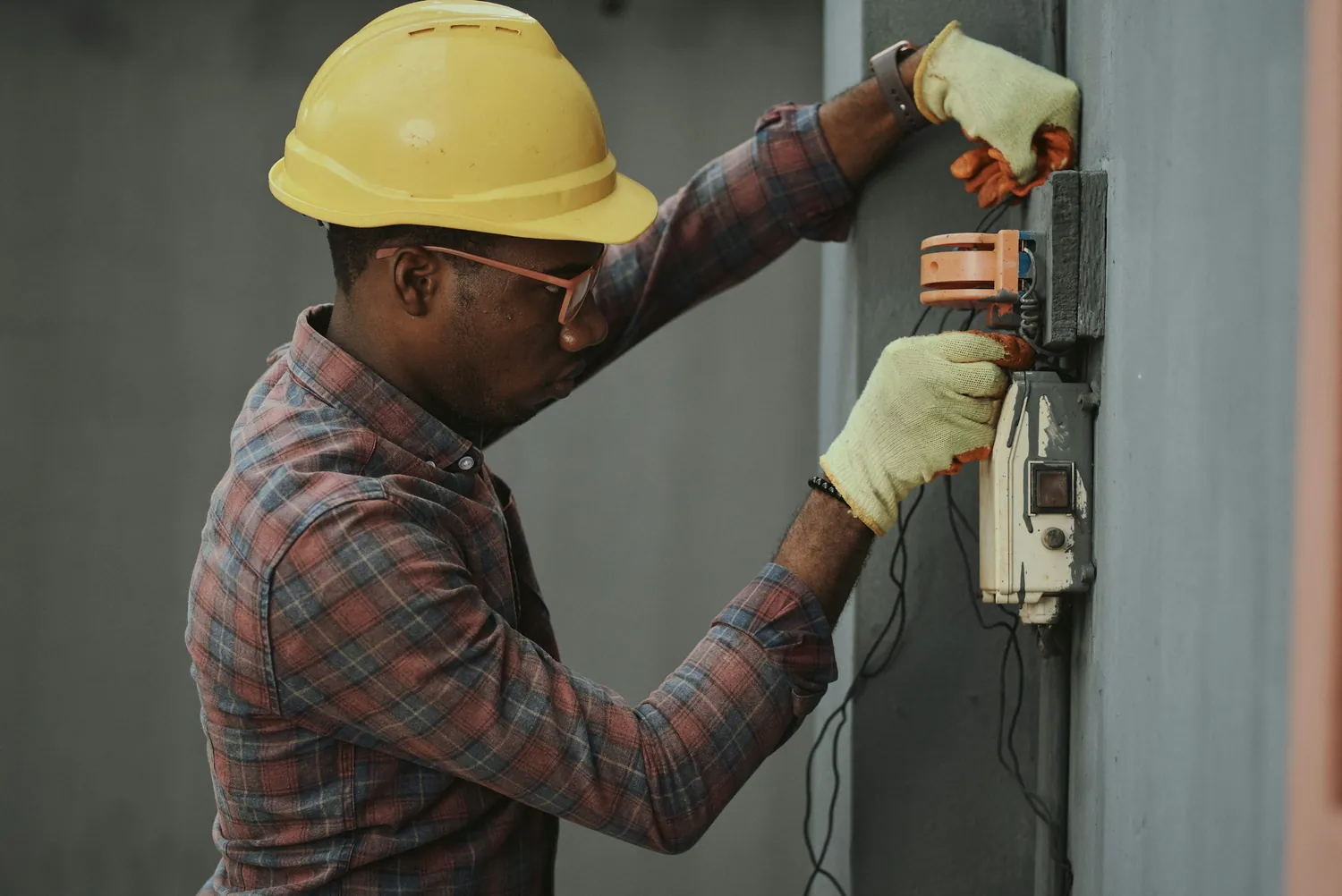
For a trade team, an incoming alert is rarely the whole job. Hermia asks for the missing detail and prepares a useful starting point for the office, the technician and the approved field-service process.
Current, scoped trade onboarding. The trade pathway is configured around the business systems, channels, questions and handoff the client approves.
Here is how a commissioned trade pathway can operate.
Connected or forwarded email and approved messaging or enquiry sources
Which asset or area is affected, what is happening, where is it, is there an immediate safety concern, and how can the team access the site?
A structured job brief, private email docket for configured recipients and a supported Simpro or AroFlo handoff where commissioned.
Short, vague replies are clarified one question at a time. What reaches your team is a structured Open Lead: the defect flag, the issue, hazards and materials already written up, with the preferred time passed on for your team to confirm.
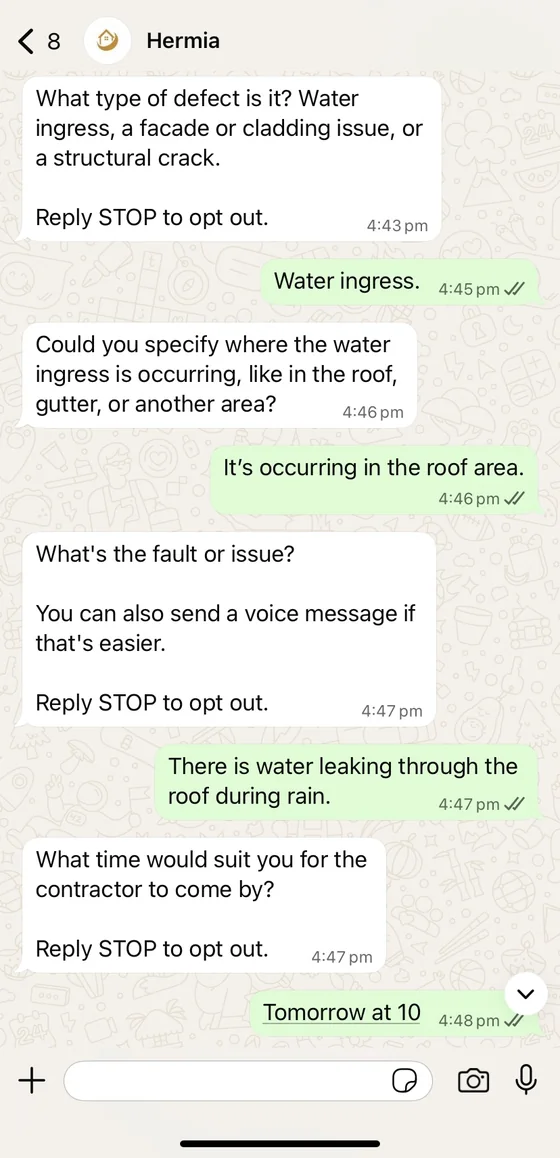
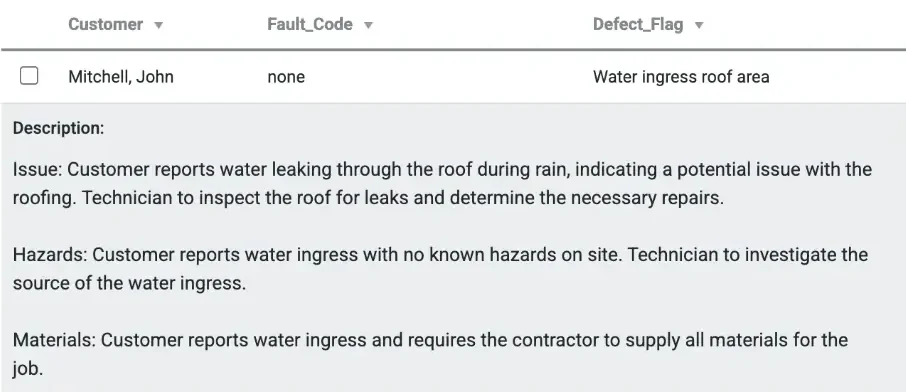
Supplied test conversation and an edited Simpro Open Lead preview from Hermia’s site files, with test details only. Shown to illustrate the handoff a configured Simpro pathway prepares; it is not a customer result, and your team still assesses the job, the quote and the booking.
Hermia has a registered Simpro partner badge. Supported Simpro and AroFlo handoffs are configured for the particular contractor and tested before activation; a badge alone is not proof of an individual customer booking.

Hermia already asks your customers your questions. With Hermia Notes, it answers theirs too, from what your team tells it, day or night.
Keep Hermia up to date the way you’d tell a colleague: “Gutter cleaning is paused until March”, or a photo of a brand list or your warranty terms. Hermia answers your customers from it, in your words, checked twice before anything is sent. When the notes don’t cover a question, Hermia asks the person who knows and passes their answer on word for word.
It answers questions likeNever: prices and quotes, safety or compliance calls, and how to fix anything. A price question goes to you, and your answer is passed on word for word.
Your team adds notes on WhatsApp, or on the Notes page on any phone or laptop.

The everyday updates that aren’t a new enquiry, like a supplier invoice or new equipment, go into your CRM without anyone typing them in. Hermia already looks after your new enquiries.
A new air conditioner arrives with the supplier’s invoice. Send Hermia a photo of the serial plate and one of the invoice: the unit goes under Assets with its serial number, and the invoice under Purchases with the amount and the date.
What it puts in your CRM, under your headingsOn Simpro, a photo of a serial plate becomes the asset on the site.
Where it goes: Straight into Simpro. On any other system, laid out under your headings and emailed to your office, ready to add.
Your team sends a voice note, photo or PDF on WhatsApp, or from the Hermia page on any phone or laptop. Check it first, or let it go straight in.
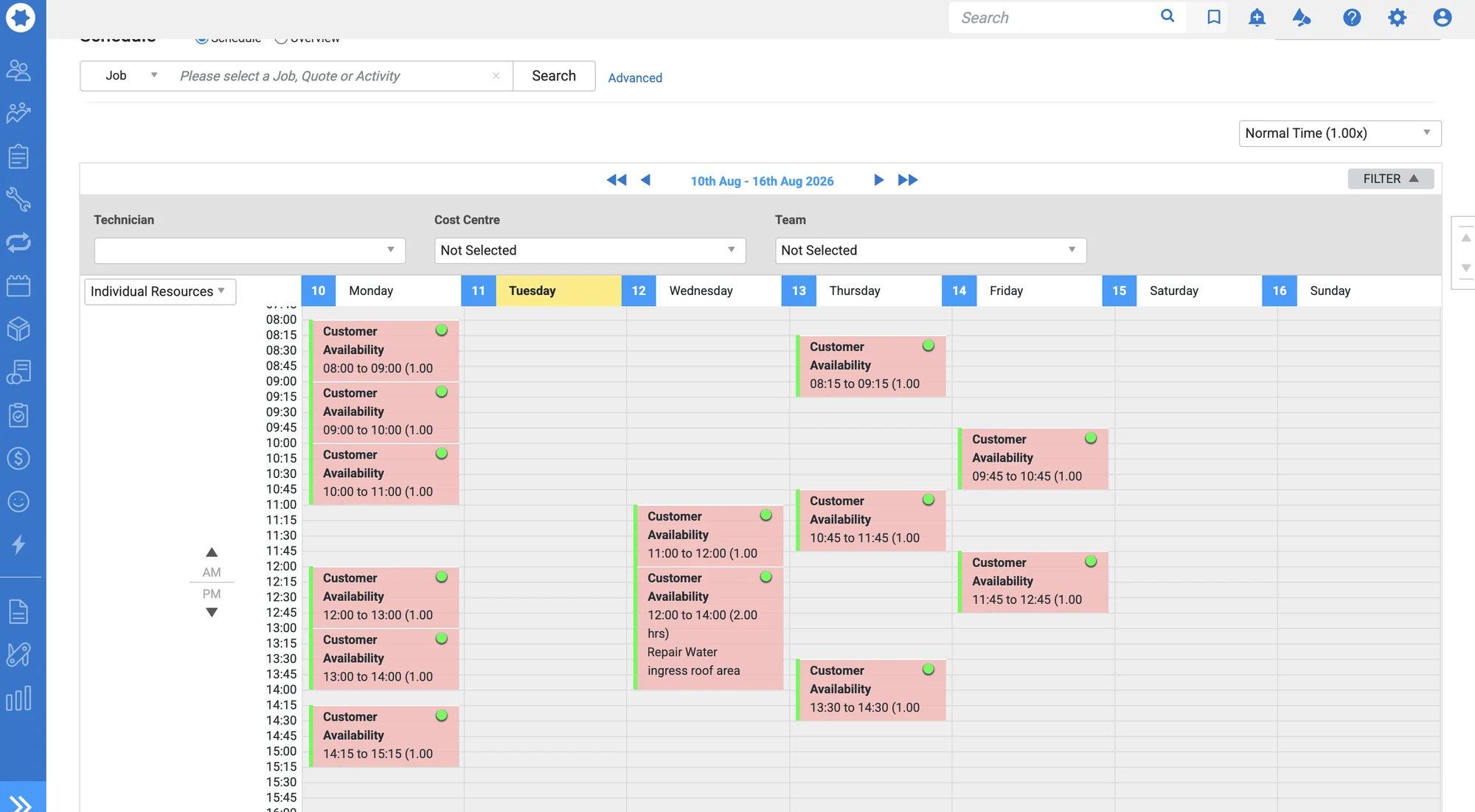
Hermia does not replace on-site inspection, safety assessment, licensed work, the final quote or a contractor’s decision to schedule. Booking is available only where the business explicitly enables and tests that path.
Yes. Hermia is designed to clarify enquiries you already receive through approved connected or forwarded sources. It does not generate leads.
On a configured trade setup, the completed brief can be sent separately to each approved internal email recipient. The team chooses who receives it.
Yes. Once you’re live, changing your questions, or who receives each brief, is a change request: USD 500 for each kind of change. It is built and tested before it becomes active.
Trade checkout records your choices; new custom questions or connections are built and tested before activation.